
Free Token Maker for D&D, TTRPGs, and Virtual Tabletops
Heroic Token is a free token maker that runs in your browser on desktop and mobile, with no sign-up needed. Drop in a character portrait, pick one of 800+ token borders, and download a round or hexagonal token with a transparent background. Batch mode turns one image into a whole set of numbered tokens. Game masters and players use this token creator for D&D 5e, Pathfinder, and other tabletop RPGs on Roll20, Foundry VTT, Owlbear Rodeo, and MapTool.
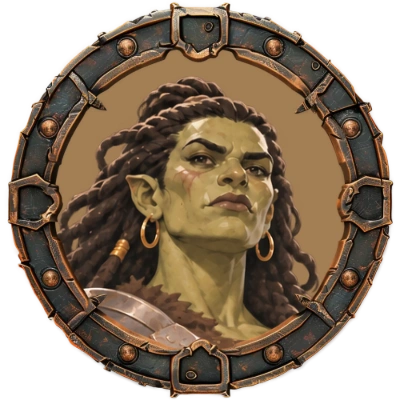
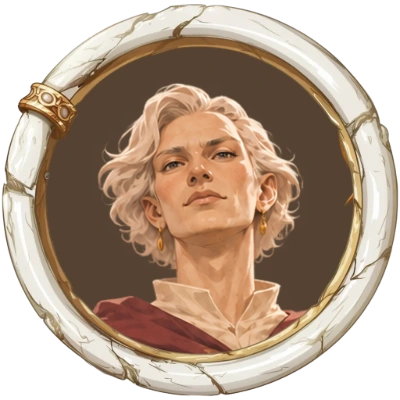
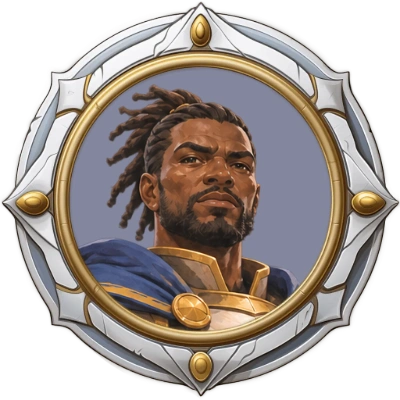
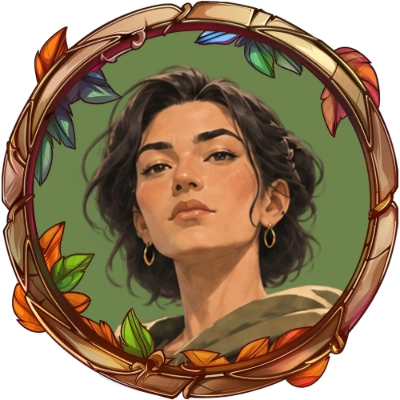
token borders
free borders
batch modes
languages
How to make a token in three steps
Add your portrait
Upload an image, drag and drop it from your desktop or another browser tab, or paste it with Ctrl+V. Add several at once and they wait in the image queue.
Pick a border
Choose a round or hexagonal border, then zoom, rotate, or flip the portrait until the face sits right. The background color adapts to your image.
Download or share
Download the token as PNG or WebP with a transparent background, with no account needed. Or share it straight from your phone.
Watch the short introduction
See the whole workflow from portrait to finished token. More help is in the help center.
Make tokens for a whole encounter at once
Every scenario needs dozens of NPC tokens. Batch mode cuts as many tokens as you like from a single image in one step, numbers them for you, and hands them over as one ZIP. Batch mode is free to use.
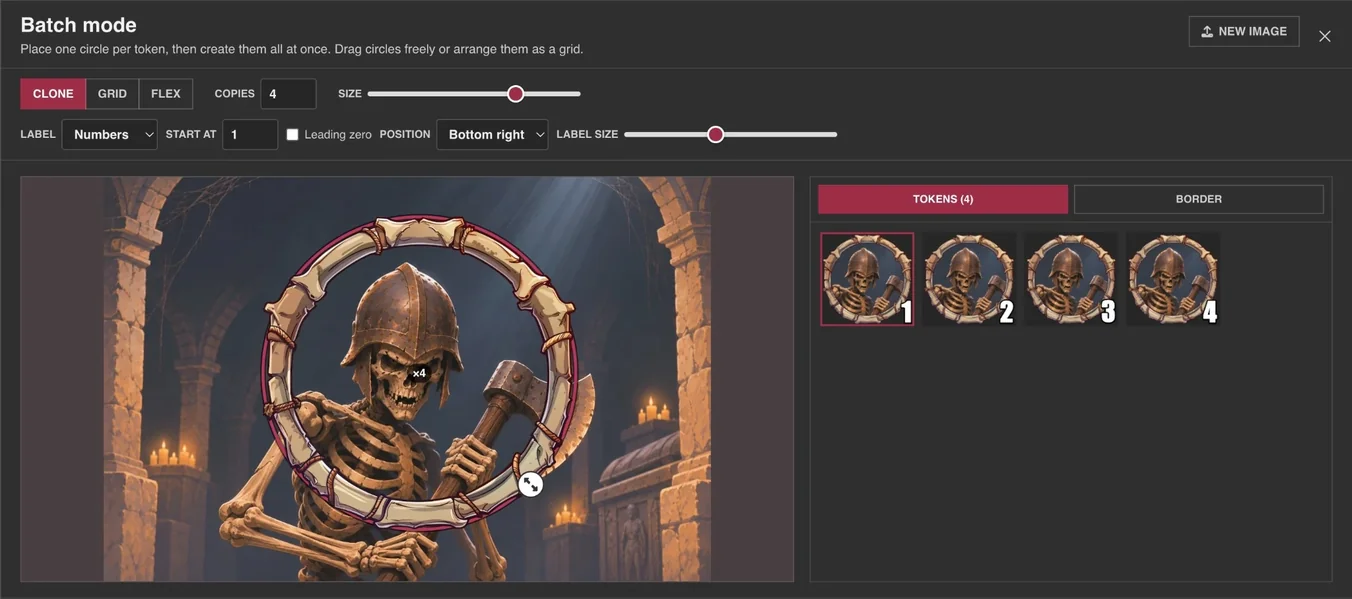
Clone: one monster, many copies
Frame one circle and set the number of copies. One goblin portrait becomes six tokens, labeled 1 to 6, so everyone at the table knows which one just got hit.
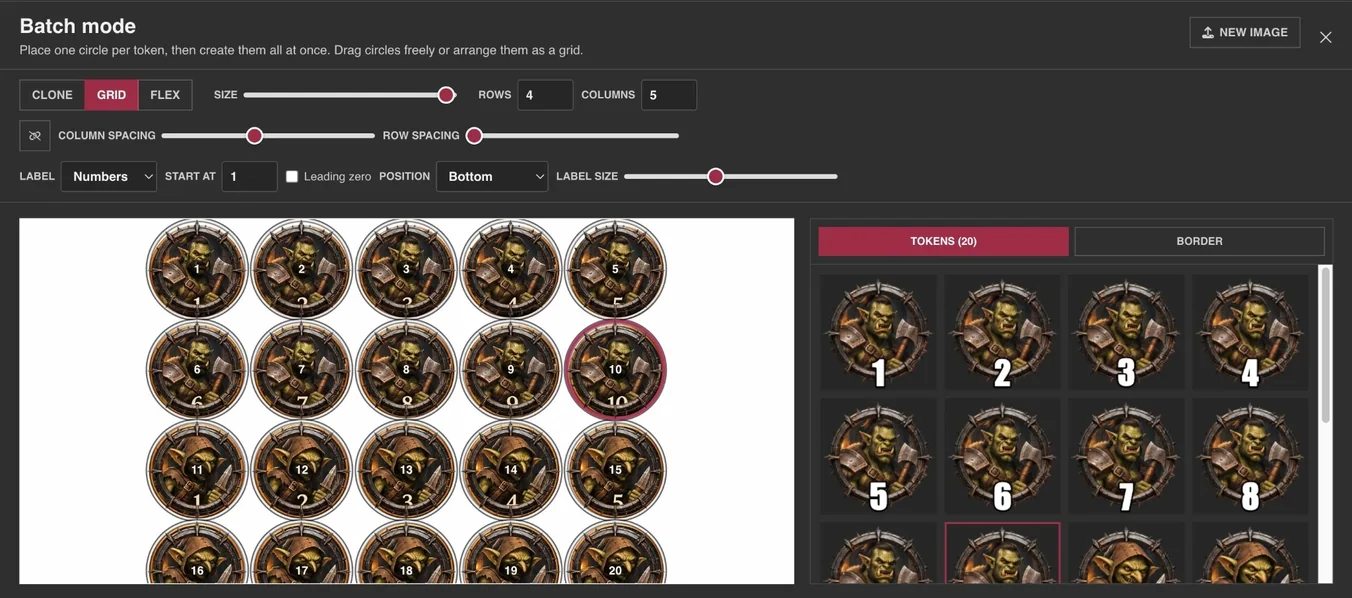
Grid: a whole sheet of characters
Got a sheet with rows of portraits? Set rows and columns, adjust size and spacing, drag the grid into place, and every cell becomes a token. These can be labeled, too.
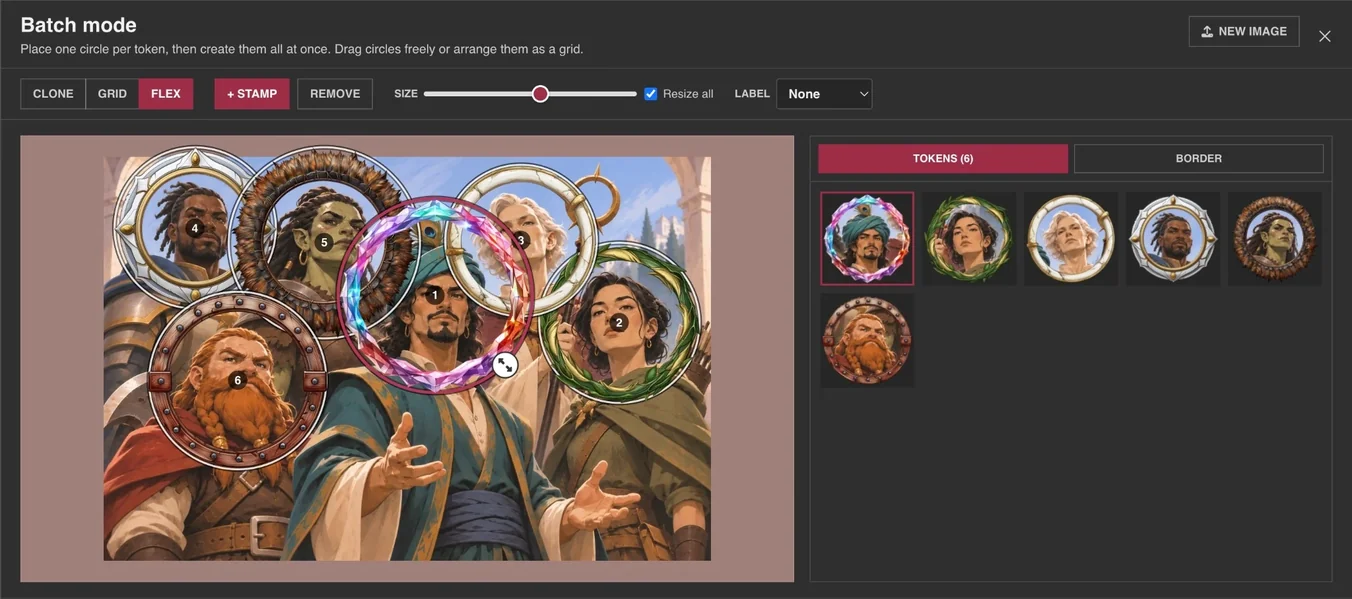
Flex: every circle where you want it
Add as many circles as you like, then drag and resize each one freely. Ideal for group art, where every face has a different size.
Labels that count for you
Label every token with the same text, with numbers (with a start value and a leading zero), with letters A–Z, or with Roman numerals. Position and size are adjustable.
One border or many
Let all tokens of a batch share one border, or give each token its own.
Download as ZIP
Download a batch as one ZIP or as separate files, or send the tokens to the image queue. A batch stays in the queue, so you can reopen it later.
800+ token borders for every genre and system
Match your campaign’s style with token frames for fantasy, sci-fi, horror, steampunk, and everything in between.
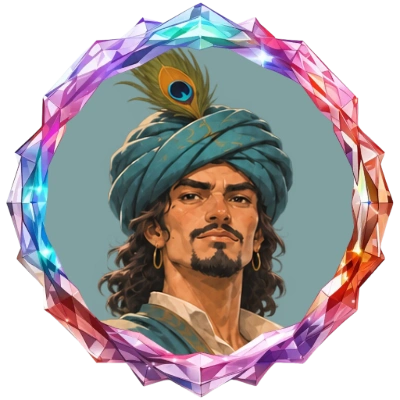
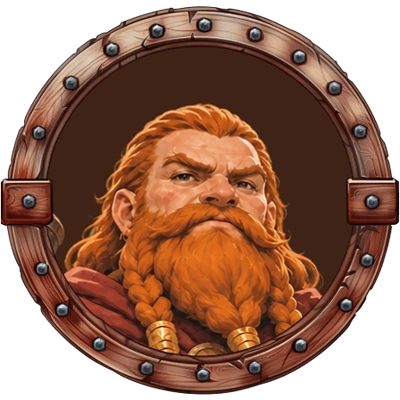
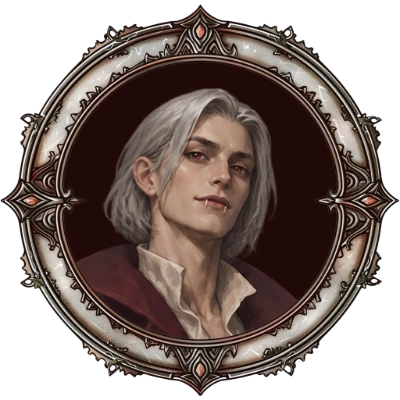
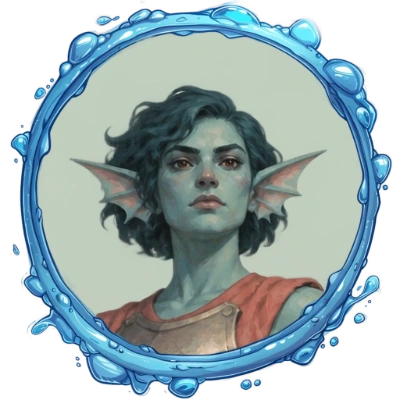
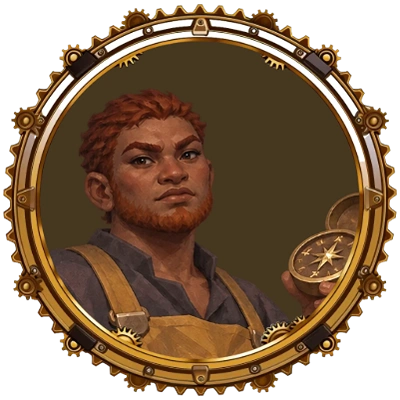
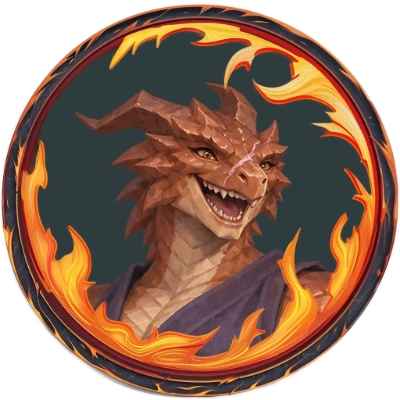
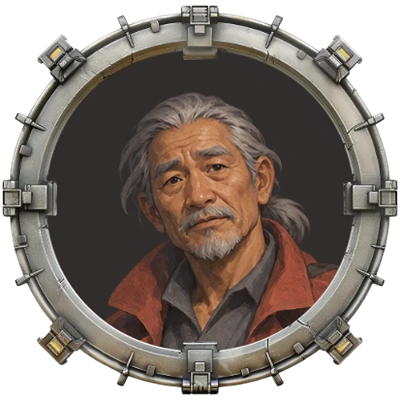
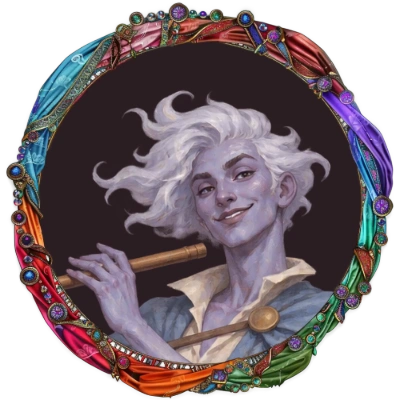
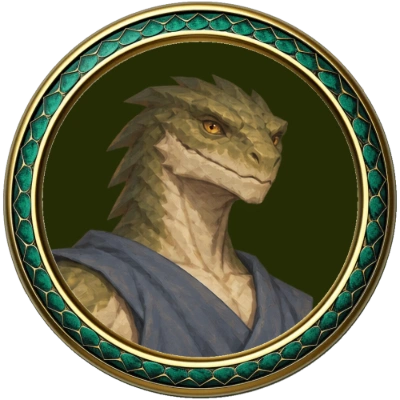
Choose from more than 440 round and 360 hexagonal borders, 195 of them free. Switch between round and hex with one click: hex tokens are cut to the hexagon, so they sit cleanly on a hex map. Filter by genre, mark your favorites, or search in your own language. Slim, simple rings are included for a clean look.
The collection has the right look for D&D 5e, Pathfinder, Shadowrun, Warhammer, Starfinder, World of Darkness, Call of Cthulhu, The Dark Eye (Das Schwarze Auge), Cyberpunk, and more. New borders are added based on requests on the Vote for Features board. With Pro, you can upload your own.
Fit the portrait, the border, and the background
Everything you need to finish a token without opening an image editor.
Character cutout
Remove the background right in your browser and let weapons, wings, and spell effects break out of the border. Adjust the edge with three sliders, or upload a portrait that is already cut out.
Frame the portrait
Zoom, rotate, and flip the portrait, with a rule-of-thirds guide to place the eyes.
Adjust the border
Rotate the border, shrink it so a cutout can stick out further, move it inside the token, or tint it with a color overlay.
Set the background
Pick any background color, sample one from the screen with the eyedropper in Chrome or Edge, or keep the inside of the border transparent.
Token generator for animated tokens
Give a boss or a player character a token that moves. Upload a moving character portrait as MP4 or WebM, select a border, and export the token as an optimized WebM.
- MP4 and WebM portraits
- Round and hex borders
- Exported as WebM
- For VTTs that play video tokens, such as Foundry VTT
A VTT token maker for Roll20, Foundry, Owlbear, and MapTool
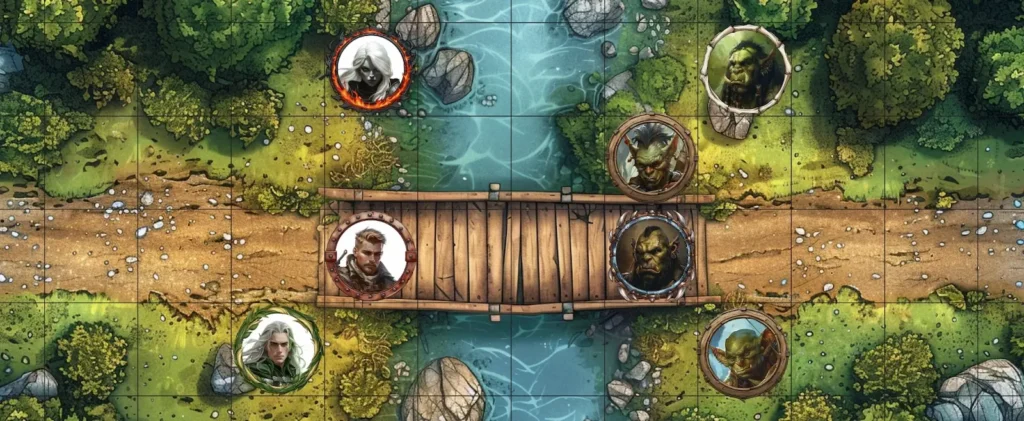
Tokens come out as PNG or WebP with a transparent background, from 200 to 1000 px, so they drop straight onto the map in Roll20, Foundry VTT, Owlbear Rodeo, MapTool, and any other virtual tabletop that takes an image. WebP keeps files small when storage on your VTT is tight.
- PNG
- WebP
- Transparent background
- 200–1000 px
- WebM for animated tokens
- ZIP download
For game masters, players, streamers, and creators
Game masters
NPCs, monsters, and villains for tonight’s session, numbered and ready. Need names for them? Try the name generators.
Players
Turn your character art into a token that stands out on the map, with a border that fits your class and your campaign.
Streamers
Tokens for actual plays and recorded sessions. Streaming your games is covered by every plan.
Creators & publishers
Selling token packs or adventures? A commercial license covers that. Read the license terms.
Good to know: Tokens are for non-commercial use unless you have the Creator plan, and you are responsible for the rights to the portraits you upload.
What’s free, and what Pro adds
Pro is built for busy dungeon masters: your tokens and custom borders are stored in the cloud and ready on any device when you need them.
Free
$0, with ads on desktop
- The full token maker on desktop and mobile
- 195 round and hexagonal borders
- Character cutout and transparent backgrounds
- Batch mode (Clone, Grid, and Flex) with numbered tokens and ZIP
- Animated tokens as WebM
- PNG and WebP export up to 1000 px, with no account needed
- Image queue and favorite borders kept in your browser
Pro
from $4.99/month or $29.99/year
- All 800+ borders, including 620+ Pro-only ones
- Upload and reuse 50 or 500 custom borders
- Custom border masks: round, rectangular, hexagonal, or free-form
- Save tokens and source images online, and sync across your devices
- Organize tokens and borders in folders
- Download entire folders or selections as ZIP
- Hide catalog borders you never use
- No ads, and a vote on new features
- Commercial use with the Creator plan

Sven, maker of Heroic Token
The human behind Heroic Token
Hi, I’m Sven, a roleplayer and indie developer from Berlin. I’ve been building tools for fellow tabletop players and worldbuilders for years: Coat of Arms Maker, Flag Creator, and this one. More than a million people have used them.
Heroic Token has been shipping updates since March 2024. You can read every single one in the changelog. Every feature exists because players asked for it. If something breaks, I fix it. If you have an idea, write me through the contact form or on Discord. I will read it, probably too late at night.
Sven
Frequently asked questions
Is Heroic Token free?
Yes. The token maker, 195 round and hexagonal borders, the character cutout, batch mode, animated tokens, and export up to 1000 px are free. The free version shows ads on desktop. Pro removes them and adds every border, uploads of your own borders, and a cloud library for your tokens.
Do I need an account?
No. Open the token maker, add a portrait, and download your token without signing up. Your image queue and favorite borders are kept in your browser. An account is only needed for Pro.
Which virtual tabletops do the tokens work with?
Any VTT that accepts images. Tokens are exported as PNG or WebP with a transparent background, which works in Roll20, Foundry VTT, Owlbear Rodeo, MapTool, and others. You can also print them for the table.
Which size should I export?
You can set the token size from 200 to 1000 px in steps of 100. Larger tokens stay sharp when you zoom in on the map; smaller ones load faster and take less storage on your VTT.
Can I make hex tokens?
Yes. Switch the border picker from round to hexagonal and choose from more than 360 hex borders. The portrait is cut to the hexagon, so the token fits a hex grid.
Can I make animated tokens?
Yes. Upload a moving portrait as MP4 or WebM, pick a border, and export the animated token as WebM.
Can I make many tokens at once?
Yes. Add several portraits at once and they wait in the image queue with the last border you used. Batch mode cuts many tokens from one image: Clone makes numbered copies of one monster, Grid cuts a whole sheet of characters, and Flex lets you place every circle freely. Download the set as one ZIP.
Can I use my own token border?
With Pro, you can upload your own borders as PNG or WebP and set a round, rectangular, hexagonal, or free-form mask for each one. Monthly Pro stores 50 custom borders; Yearly and Creator store 500.
Can I use my tokens commercially?
Your own games, paid GMing, streaming, and social media are fine on every plan. Selling tokens or using them in a product you sell needs a commercial license. See the license page for details. You are always responsible for the rights to the portraits you upload.
Does Heroic Token work on phones and tablets?
Yes. The token maker has its own mobile layout and works with touch, and you can share a finished token straight from your phone.
Which languages does Heroic Token speak?
The token maker and the border search are available in 12 languages: English, German, Spanish, French, Portuguese, Polish, Indonesian, Thai, Japanese, Korean, and Simplified and Traditional Chinese.